






















































































































Note: This Academic version requires valid proof of student/teacher status at activation.
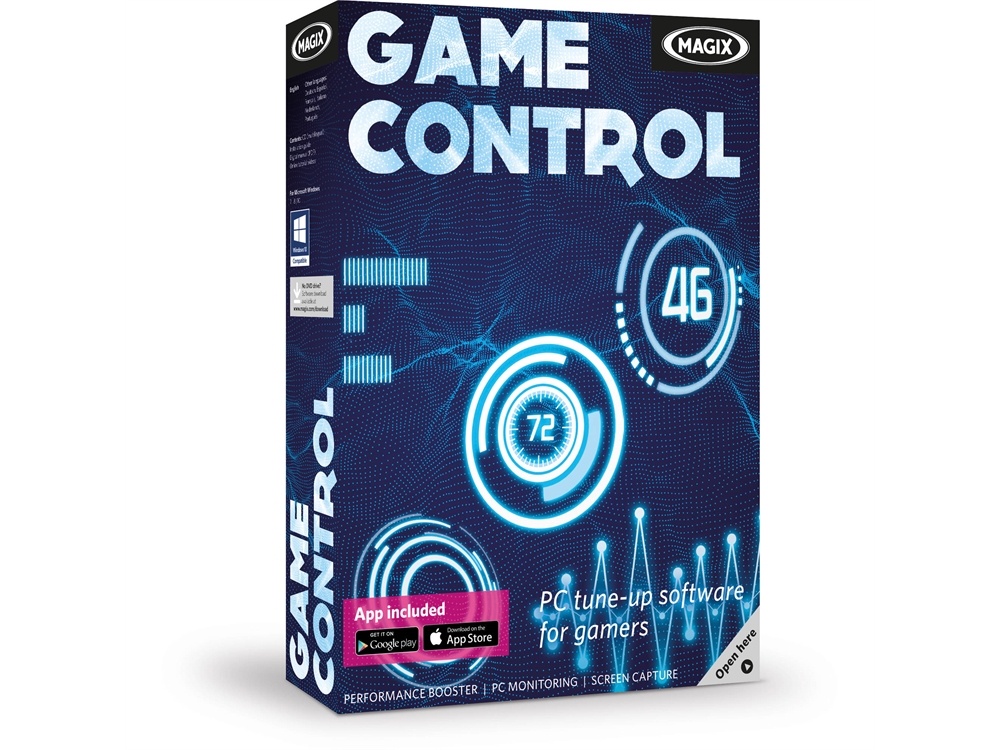
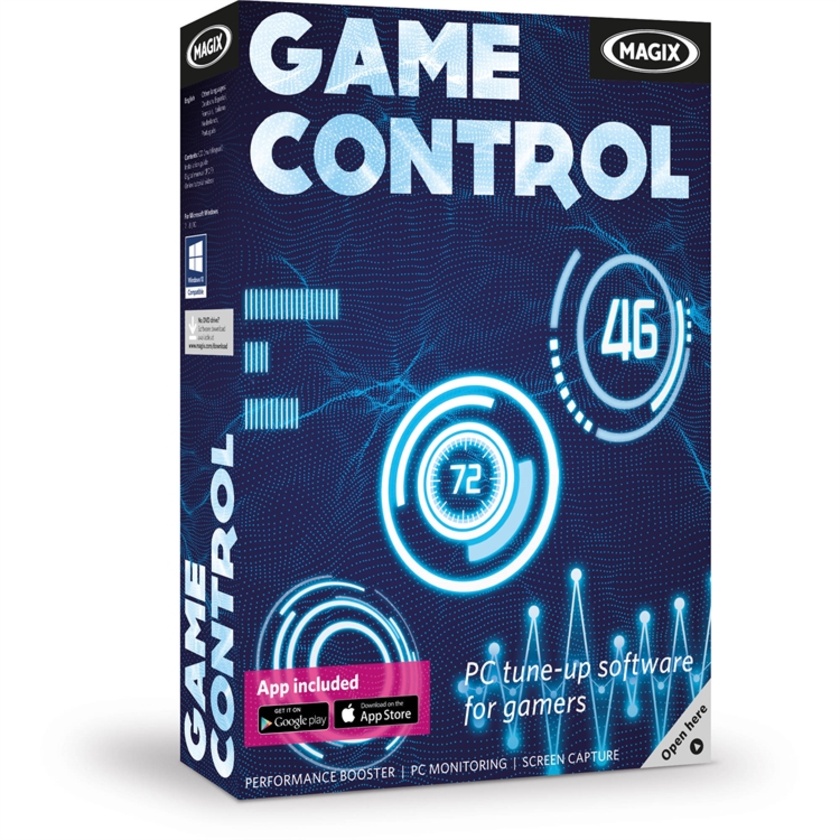
Designed for gamers, MAGIX Game Control maximises your gaming experience by providing performance benchmarks, performance boosting and monitoring, and screen-capture tools.
Features
Monitor, Improve, & Share
Increase your computer's speed and keep track of important performance indicators in view on the HUD or via the second screen app for your smartphone or tablet.
- Monitor all the relevant system information live on the HUD or in the app, such as framerate, RAM and CPU usage, temperature, disk space, and network load.
- Optimise your computer's energy options and end unnecessary tasks and processes to give your game the highest priority.
- Take in-game screenshots or record videos and share with friends on social media networks, such as Facebook, YouTube, and more.
Free Second Screen App for Android & iOS
Use your smartphone or tablet as a second screen to keep an eye on important performance data:
- FPS (frame rate/frames per second)
- Network (upload/download speeds)
- Memory (RAM)
- Hard drive
- CPU & GPU temperatures
- CPU performance
Manage Games & Media
All your games, screenshots, and gameplay videos are saved in galleries where you can organise them and share them with friends.
Automatic Driver Updates
Keep your system up to date to get the most performance out of your hardware components.