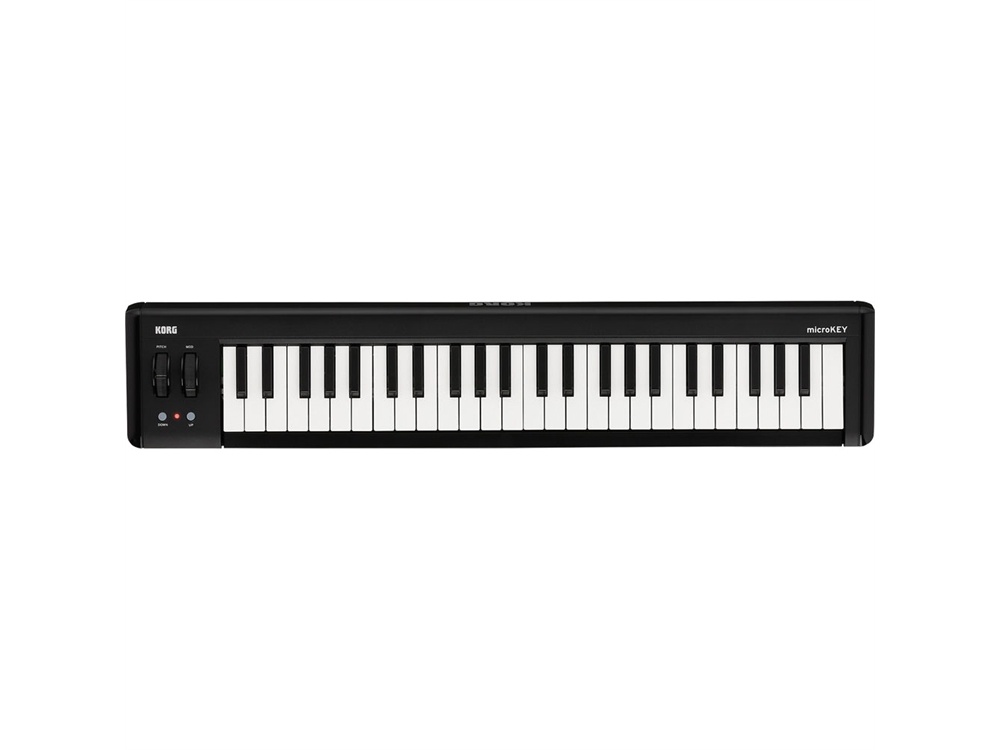





















































































































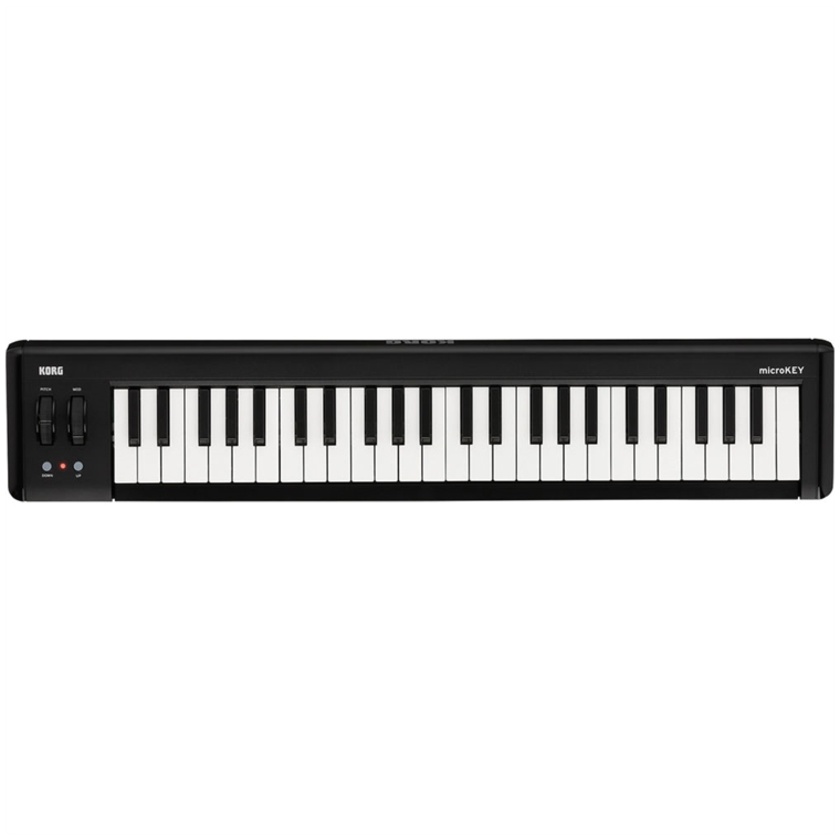


Lightweight at 1.4 kg, The microKEY2-49 from Korg is a slim USB-powered MIDI controller with a pitch wheel, a mod wheel, and a set of 49 velocity-sensitive Natural Touch mini-keys.
An assignable switch jack affords you the ability to use a sustain pedal, while two octave-shift buttons allow you to change the range of this three-octave unit. You can make edits to MIDI parameters using the Korg KONTROL Editor software, which is available for free download on the Korg website. This can be useful in customising the microKEY2 to your specific sensibilities, such as adapting the instrument's velocity curve to your individual touch.
The controller also includes five virtual instruments (Korg Legacy Collection, UVI Digital Synsations, AAS Ultra Analogue Session, AAS Strum Session, AAS Lounge Lizard Session) and two apps (Korg Module LE for iPhone and Korg Module LE for iPad). Finally, purchasing the Korg microKEY2 will allow you to download a limited version of Propellerhead's Reason.
Features
Controller
- USB-powered by your computer, iPad, or iPhone
- 49-key, velocity-sensitive Natural Touch mini-keyboard
- Pitch wheel, mod wheel, and two octave-shift buttons
- Jack for damper pedal
5 Virtual Instruments Included
- UVI's Digital Synsations module provides sampled emulations of classic digital and hybrid synths from the early 1990s
- Lounge Lizard Session, the sound module from Applied Acoustics Systems, provides expressive electric piano sounds
- Applied Acoustics Systems' Strum Acoustic Session is a physical-modelling software synthesiser that lets you "play" acoustic guitar parts with the expressiveness of an acoustic instrument
- Ultra Analogue Session, also by Applied Acoustics Systems, is an analogue-modelling synthesiser featuring analogue-style synth sounds
- Korg Legacy Collection-M1 Le is a software synthesiser that brings the sounds of the M1 music workstation to your computer
Korg KONTROL
Korg KONTROL Editor MIDI-mapping software allows you to set the keyboard to respond to one of eight distinct velocity curves or set a fixed velocity value. This is useful in customising the microKEY2 to your personal playing style