


















Remote adjust, paint, and match Marshall Cameras without ever having to leave the convenience of a production room or broadcast truck. Match mini POV cameras without an OSD Menu to provide a seamless workflow and next level convenience on multi-view camera displays.
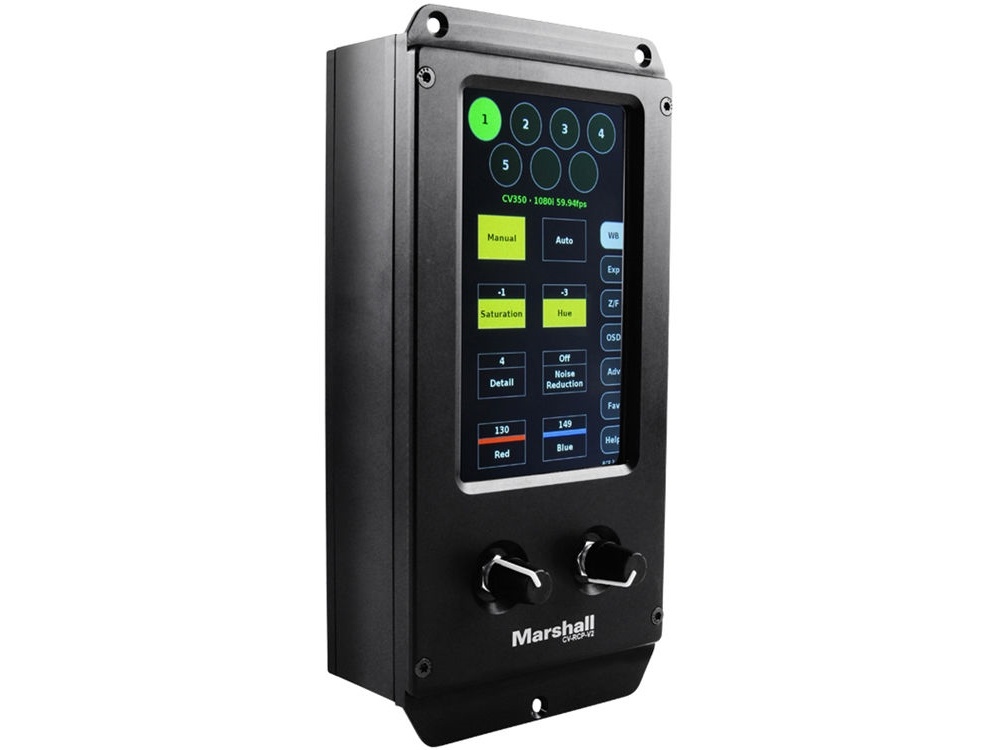
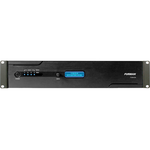
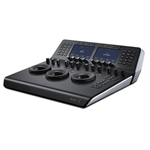
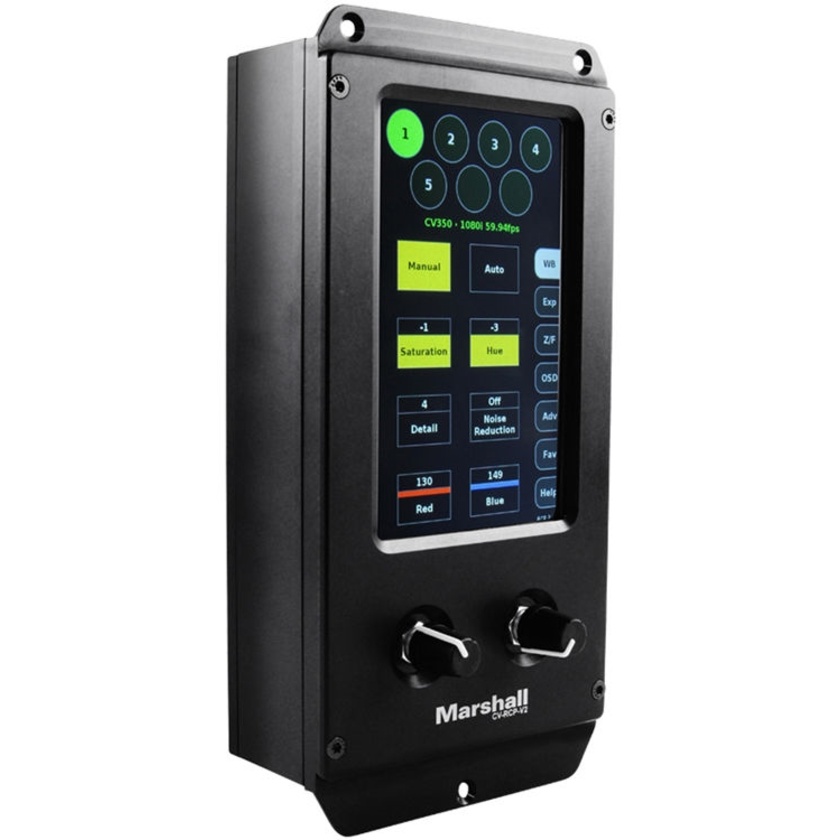
Marshall has teamed up with a five-time Sports Emmy award winner to develop a standalone remote RCP solution to adjust, paint, and match Marshall broadcast cameras. The new Marshall Electronics CV-RCP-V2 Touchscreen Multi-Camera Controller unit allows for remote operation of up to seven broadcast cameras at up to 300m (1,000 foot) distance over common XLR cable, and it features a new intuitive touchscreen control with user-friendly, fine-tune adjustment dials for quick changes on the fly.
The touchscreen interface offers self-help dialogs, favorites settings, save features, and intelligent menu and sub-menu layouts. The fine-tune finger dials enable precise adjustments for white balance, red/blue gain, gamma, black level, brightness, exposure, iris, shutter, resolution, frame-rate, and more, and they can be adjusted simultaneously or one at a time. The CV-RCP-V2 comes pre-programmed with control protocols for all Marshall Cameras, including Marshall's POV cameras, varifocal cameras, zoom cameras, PTZ cameras, as well as other popular non-Marshall branded cameras on the market.
Key Features
- New larger 5-inch TFT LCD Touchscreen (800x480) with fine-tune adjustment knobs.
- Directly adjust and match up to seven different cameras from the convenience of control truck or control booth.
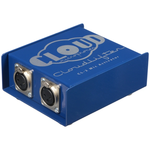
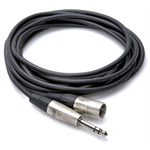
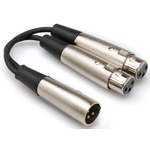
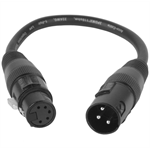
- Common 3-pin XLR cable connection allows for cable-runs at distances of up to 300 meters.
- Adjustments made on camera without OSD Menu appearing on video stream.
- Easily convert to fiber using common fiber media converters for much longer distances.
- Seven cameras are select-able from ALL screen menus with intuitive navigation layout.
- Global or individual camera adjustment capability without OSD (On-screen Display) Menu appearing on video stream.
- Adjust Red/Blue, Pedestal (Black-levels), Brightness (AE Offset), Gain, Gamma, Iris, Shutter, Saturation, Hue, Optical/Digital Zoom, Pan-Tilt, Focus, and more.
- Rugged machined aluminum enclosure provides durability while a larger 5-inch screen provides easier access to digital buttons.
- USB port for firmware updates (USB stick sold separately).
- Red and Blue adjustment follows every screen menu with optional Favorites Menu to save important controls to specific events for easy access.
- Set up multiple cameras with one global preset or multiple presets that are savable on-board the RCP unit or external USB memory sticks.
- Low power consumption requires 12V power at less than 12W (AC or battery packs).