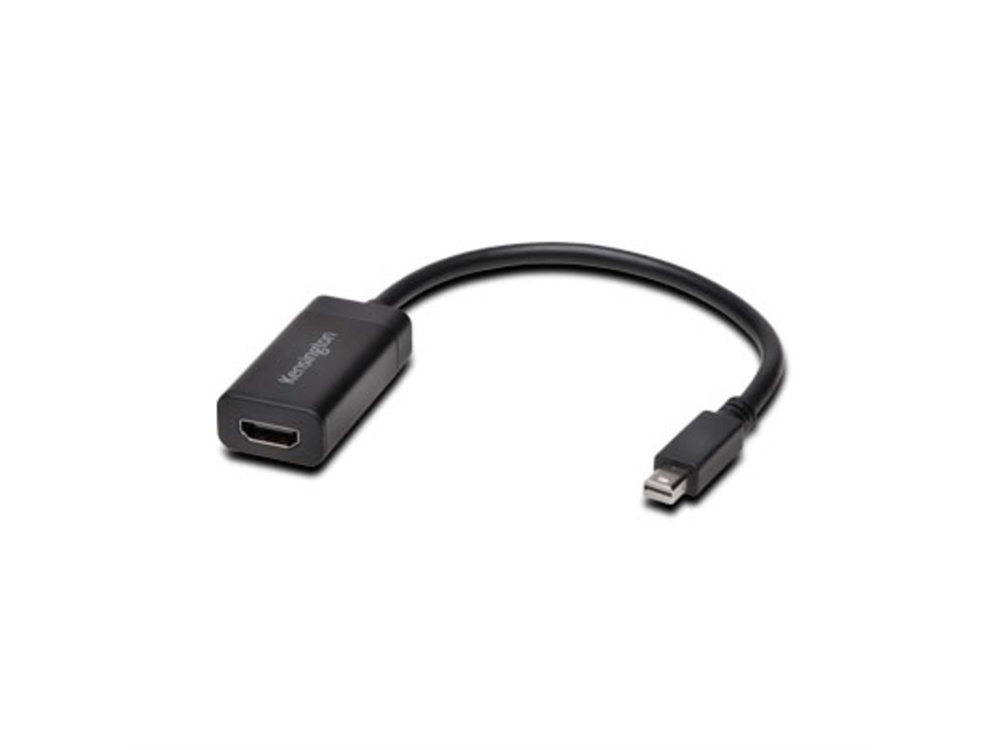

















































































































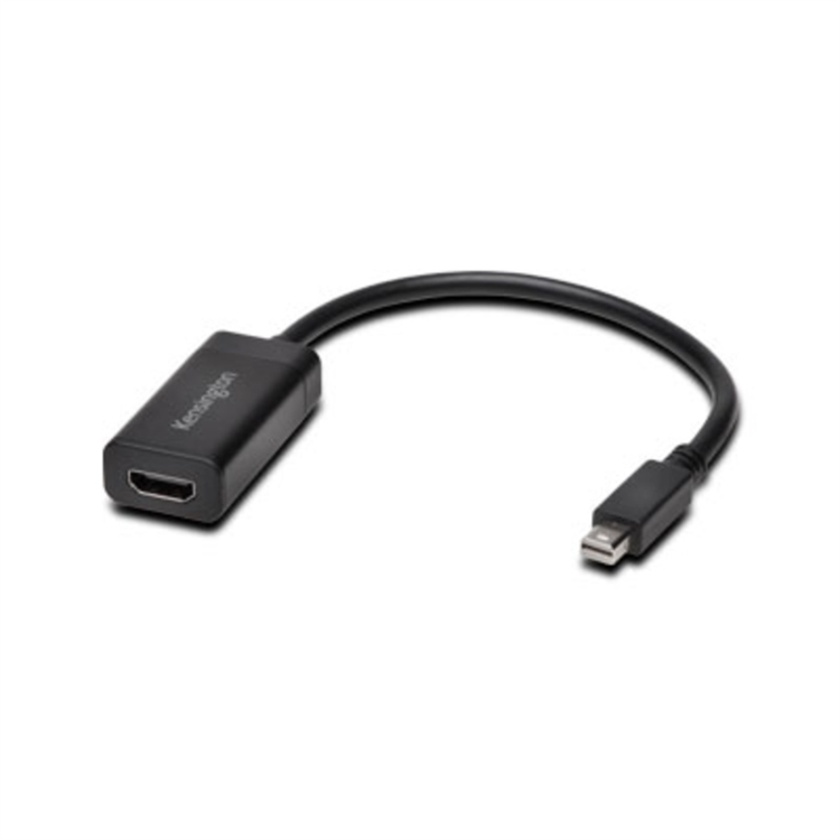
When you need to put what’s on your laptop screen on a monitor or a projector, there’s no easier way than with the VM2000 Video Adapter. It plugs into Mini DisplayPort commonly found on laptops and then runs to the HDMI port on a monitor, TV or projector. The adapter supports full HD resolution so you get a crystal clear picture and offers Plug & Play installation so you’re up and running in no time.
Mini DisplayPort Connection
Simply use the Mini DisplayPort connection found on your laptop or tablet and plug the other end of the adapter into the video cable for the HDMI port on your monitor, TV or projector
HD Resolution
Supports 1920 x 1200 so you get clear, high definition picture quality when you’re projecting to a monitor
Plug & Play Installation
Simply plug in the adapter and everything takes care of itself with no extra drivers needed