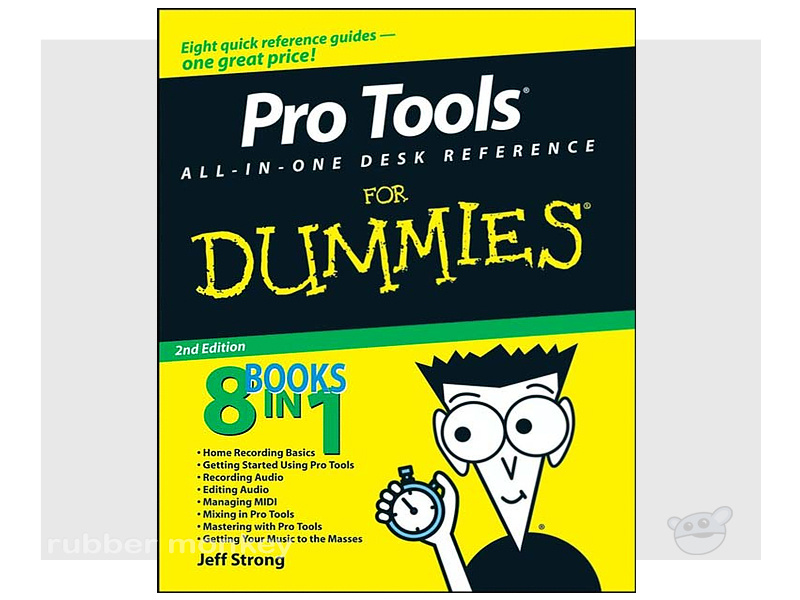






















































































































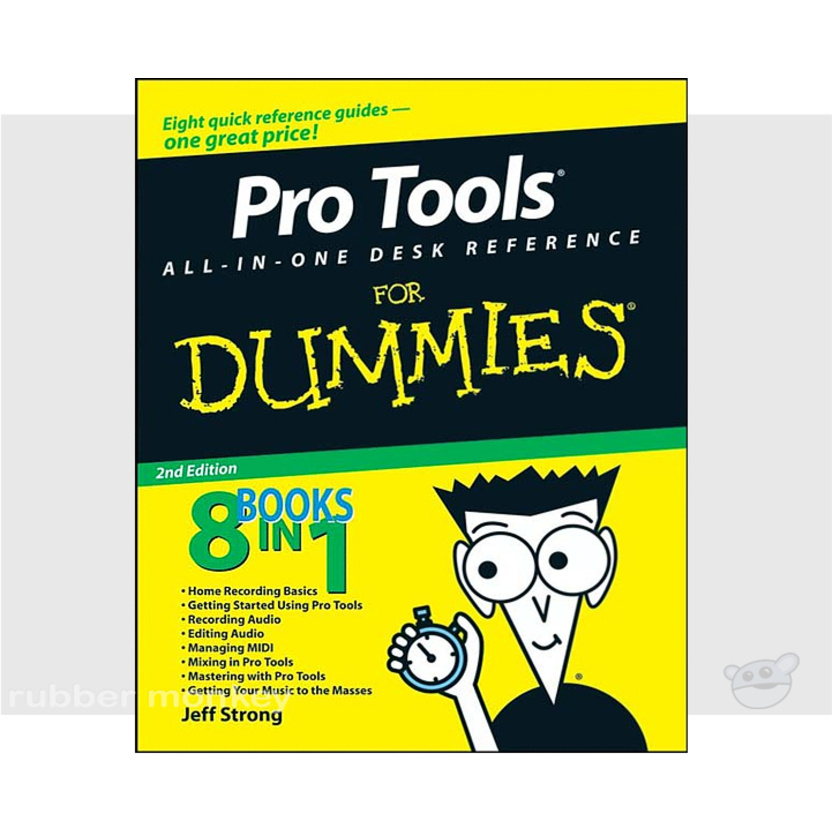
Title: Pro Tools All-in-One Desk Reference For Dummies, 2nd Edition
Category: Audio Engineering, Music Mixing, Pro Tools, Beginner to Intermediate Level
Author: Jeff Strong
ISBN-13 number: 9780470239476
Binding: Paperback
No. of Pages: 744
Publisher: Wiley Publishing, Inc
Publication date: March 2008
Dimensions: 7.5"x9.25" (19x23.5cm)
Description:
When you add Pro Tools to your home recording studio, you have the software used to create hit records. Throw in Pro Tools All-In-One Desk Reference For Dummies, Second Edition and you get the insight you need to capture your sounds, edit your tracks, create a mix, and master your songs for the world to hear. Add a generous helping of your own talent and you have the perfect recipe for music stardom.
This fantastic eight-books-in-one package introduces you to Pro Tools audio- and MIDI-recording software and clues you in on basic multitrack recording techniques. You'll get wise to Pro Tools' many features and functions and find out how top recording studios use them to create the biggest hits on the planet. This do-it-now handbook also gets you up to speed on the essential audio-engineering skills you need to make ultra-high-quality recordings.
Don't spend big bucks and many months taking classes in audio engineering and Pro Tools. Get eight quick-reference guides for one great price with Pro Tools All-In-One Desk Reference For Dummies, Second Edition and start recording your breakthrough album right away!
Features:
- Navigate the Pro Tools windows and menus
- Save hours of experimenting and spend more time recording
- Master microphone placement and other home recording basics
- Edit errors out of your tracks
- Equalize (EQ) tracks and add effects
- Work with midi instruments
- Blend your sounds into a stunning final mix
- Assemble and release an album
Contents:
Introduction
Book I: Home Recording Basics
Chapter 1: Discovering What You Need
Chapter 2: Getting Connected: Setting Up Your Studio
Chapter 3: Meeting the Mixing Board
Chapter 4: MIDI and Electronic Instruments
Chapter 5: Understanding Microphones
Book II: Getting Started Using Pro Tools
Chapter 1: Configuring Your Computer
Chapter 2: Setting Up Your Hardware
Chapter 3: Examining Software Basics
Chapter 4: Understanding the Pro Tools Windows
Chapter 5: Importing and Exporting Files
Book III: Recording Audio
Chapter 1: Taking Care of Tracks
Chapter 2: Miking: Getting a Great Source Sound
Chapter 3: Preparing to Record
Chapter 4: Recording Audio
Book IV: Editing Audio
Chapter 1: Audio Editing Basics
Chapter 2: Selecting Material to Edit
Chapter 3: Getting into Editing
Chapter 4: Adding to Your Editing Palette
Book V: Managing MIDI
Chapter 1: Preparing to Record MIDI
Chapter 2: Recording MIDI
Chapter 3: Editing MIDI Data
Chapter 4: Performing MIDI Operations
Book VI: Mixing in Pro Tools
Chapter 1: Mixing Basics
Chapter 2: Setting Up Your Mix
Chapter 3: Using Equalization
Chapter 4: Digging into Dynamics Processors
Chapter 5: Singling Out Signal Processors
Chapter 6: Automating Your Mix
Chapter 7: Making Your Mix
Book VII: Mastering with Pro Tools
Chapter 1: Mastering Basics
Chapter 2: Mastering Your Music
Book VIII: Getting Your Music to the Masses
Chapter 1: Putting Your Music on CD
Chapter 2: Getting Your Music on the Internet
Index