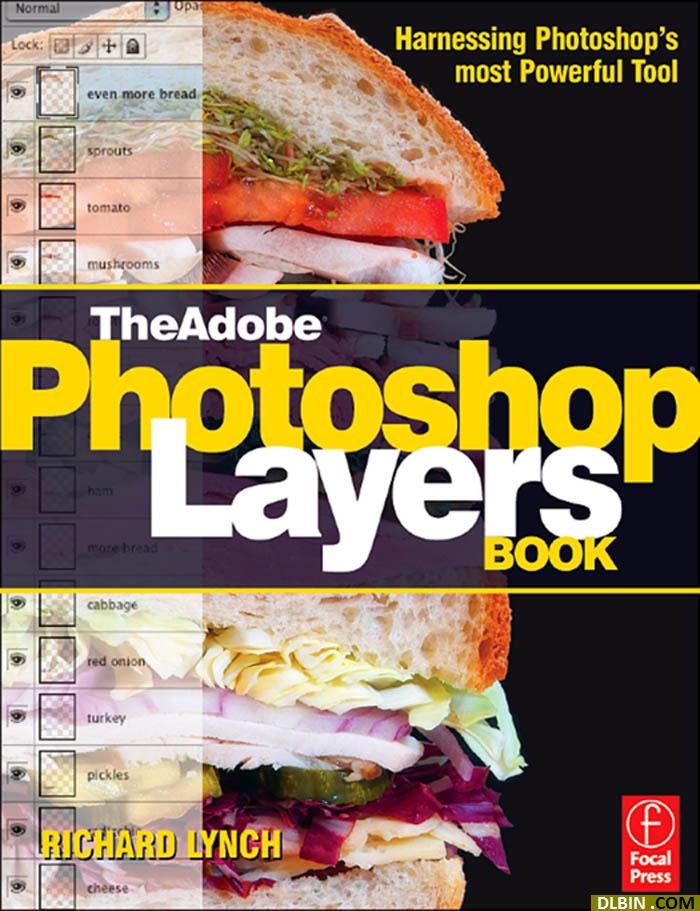





















































































































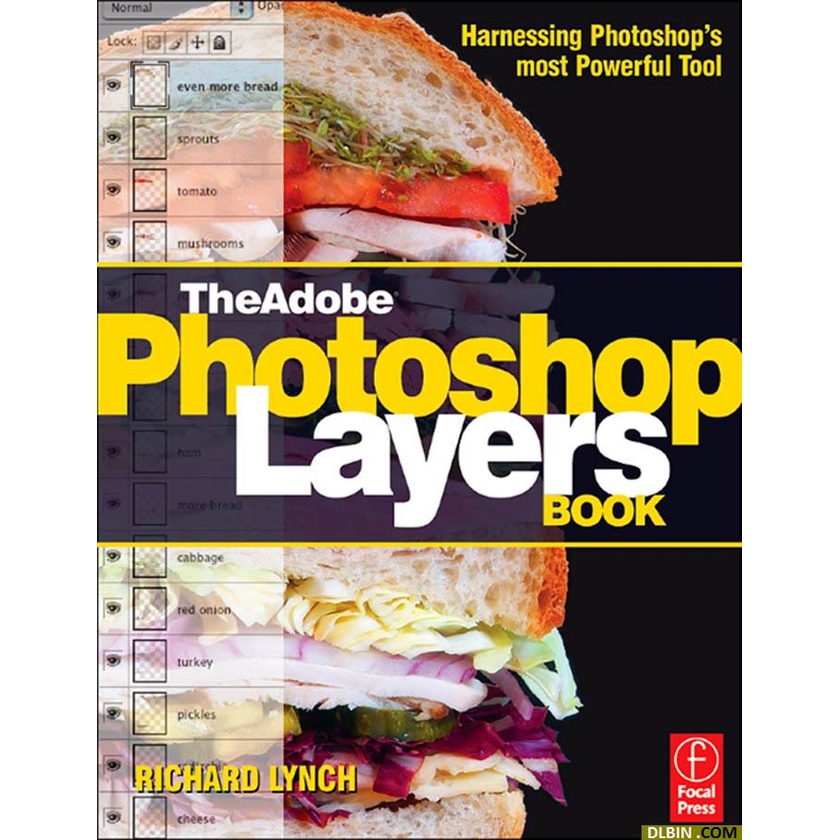
Title: The Adobe Photoshop Layers Book; Harnessing Photoshop's Most Powerful Tool, covers Photoshop CS3
Category: Adobe Photoshop Software, Photoshop Layers, Digital Image Editing
Author: Richard Lynch
ISBN-13 number: 9780240520766
Binding: Paperback w/ CD-ROM
No. of Pages: 288
Publisher: Focal Press
Publication date: 24/07/07
Dimensions: 7.5"x9.25" (18x23.5cm)
Description:
Create, correct, and control with layers,
the most powerful tool in Photoshop and Photoshop Elements
Imagine yourself in total control of every adjustment to your photos. You've seen the illustrations in glossy magazines, the fine art reproductions in museum catalogs, the award-winning pictures of professional photographers. To produce this kind of magic, understanding how to use layers for your entire breadth of image correction is key.
Discover the best ways to showcase your talent with the full power of layers from best-selling author/digital image specialist Richard Lynch. Learn what layers can do for you as an integral part of organizing image development, creating and storing image versions with nondestructive editing, and promoting a positive workflow.
Timeless, not version specific, this book will help you take layers to a new level to increase your efficiency and produce better end results, whatever release of the software you use. Step-by-step instructions and practical examples illustrate how to.
Don't make your work harder than it needs to be when you can use layers to control any adjustment using multiple forms of blending concurrently - transparency, clipping, opacity/fill, masking, modes, channel targeting, Blend If, and styles.
Features:
- Leverage layer power to correct and enhance color, fix problems in composition, repair damage or flaws, and isolate image areas for changes, adjustments and experimental concepts
- Incorporate layers in a workflow that extracts the maximum from your camera, exploits the potential in every image and helps you organize your perceptions and ideas according to your unique vision
- Recombine layers to form new images in a nondestructive process that preserves both the original image and intermediate layers for further editing - or tomorrow's inspirations
- Dip into the accompanying CD with a robust library and presets of practice images. Create your own set of favorite composition techniques
Contents:
Introduction: The World of Image Layers
The Basics of Layers: Layer Functions and Creation
Layer Management: Concepts of a Layer-Based Workflow
Object and Image Area Isolation
Masking: Enhanced Area Isolation
Applying Layer Effects
Exploring Layer Modes
Advanced Blending with Blend if
Breaking Out Components
Taking an Image Through the Process
Making Layered Collage and Composite Images